
This article explains how to add a file.
It will explain how to embed a file in your page.
How to add a file:
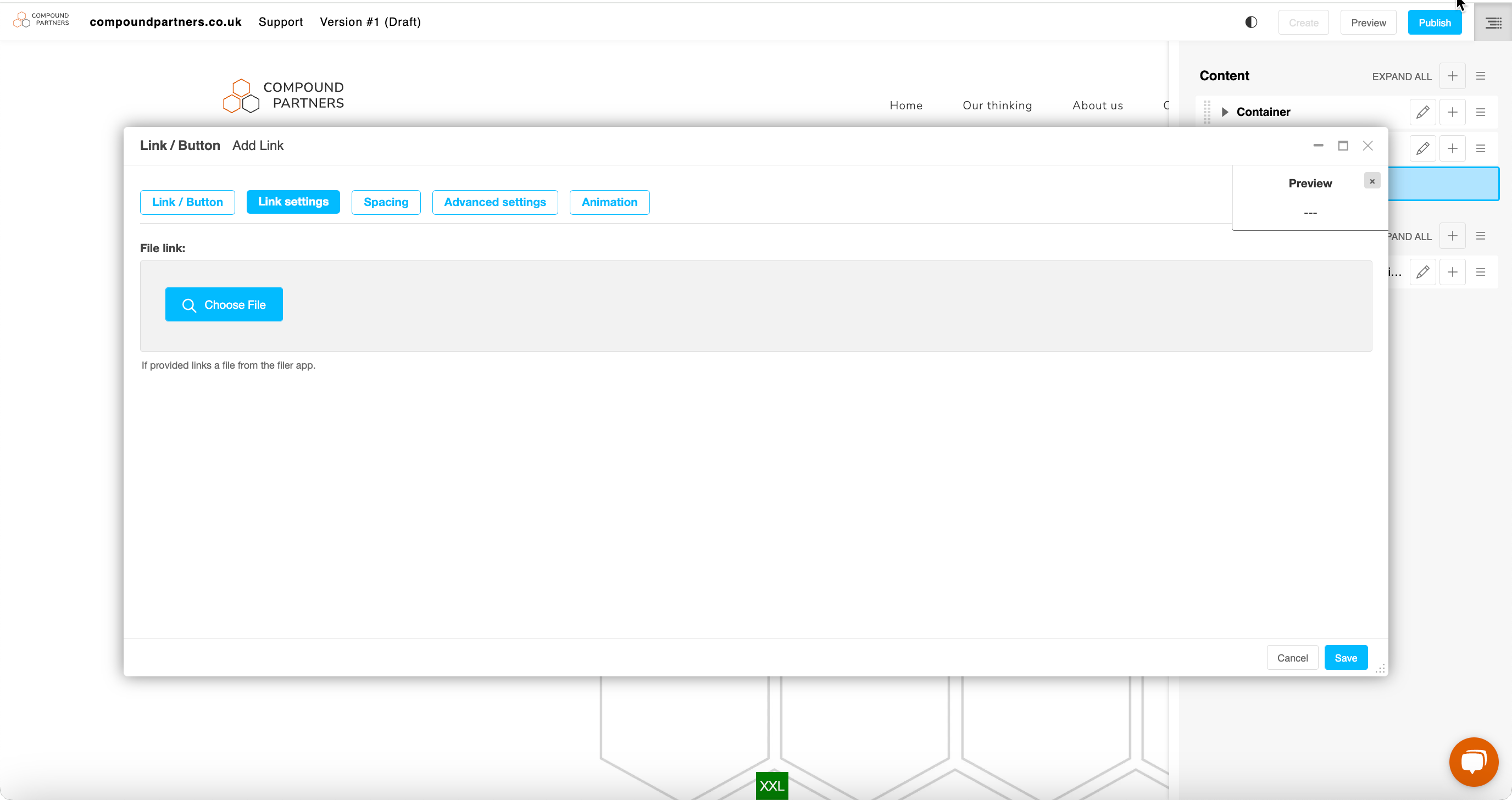
Step 1: To embed a downloadable file on a page, select the File plugin.
- Select the file to upload
- Define its name (the one it will have once downloaded)
- Define its purpose, i.e. where it will open (same window or new window)
- Define the name displayed on the download link
Fill in the relevant fields and save.
Looking for help with something else?
If there isn't a support guide on the topic you're looking for, tell us what you're trying to do and we'll write one. Most guides on this page started as a request from an editor, so if you've hit a gap, someone else probably has too.
Plugin guidance